





3 min read · 4 min listen
Why I built it
I've had wonderful friends throughout my life, people I love and want to keep close. But life took us in different directions, and we stopped talking as often. The friendship still mattered to me, even when we barely spoke.
Over the last two years, there were many moments when I needed a friend and didn't know who to reach out to, or how to start. That experience made something clear to me. Caring about each other doesn't always turn into being there for each other.
Human connection makes the good times better and helps us get through the hard ones. I built KitKit to help us give those relationships more time in everyday life.
Why staying in touch needs help
The world keeps asking for more of our time and attention. A meeting appears at work, and the plans with a friend get moved. Something urgent comes up, and the call waits another day. The people we care about end up getting whatever time and energy we have left.
Meanwhile, following someone's life can feel like staying close. We see their posts and know what's happening, but we haven't actually talked.
I don't want friendship to live on leftovers. KitKit helps us make a deliberate place for those relationships in everyday life.
How KitKit works
You choose a small Circle of people you want to keep close, and they choose you back. Each of you sets when you're available.
When two friends are in each other's Circles and both available, KitKit rings both phones. Neither knows which friend is on the other side until both answer. That's a KitCall.
It starts at 45 seconds. You can extend it, catch up later, or make plans to meet.
The call in the demo is with a friend from high school who moved away. I didn't call him, and he didn't call me. KitKit called us both.
Designed for the conversation
Every core choice serves that moment. The Circle stays small so you choose your people deliberately. Availability takes away some of the worry about interrupting. The mystery makes picking up exciting because the surprise is someone you already want to hear from.
The short limit makes answering a small commitment and gives you a natural stopping point. Staying longer becomes a choice.
Invitations and gifts start conversations, too. You send them through WhatsApp, iMessage, or wherever you already talk. An invitation says you want to talk more. A gift carries a personal note.
The app stays calm around these moments, with friends' faces taking priority and stronger motion saved for the call and reveal.
KitKit is designed to work in the background of your phone and your mind. There is intentionally little to do every day. The attention it asks for is a moment with a friend. If that becomes a longer conversation somewhere else or plans to meet, it has served its purpose.
Building KitKit
I built KitKit through trial and error, with a lot of help from AI assistants. It uses Expo and React Native, Convex, LiveKit, and RevenueCat, with native call integrations on iOS and Android.
Free at its core
I want KitKit to be worthwhile for someone who never pays. Friends should be able to use it together even if neither can afford another subscription.
Running calls costs money, so KitKit offers supporter subscriptions, KitTicket packs, and optional rewarded ads. You can also earn KitTickets by talking to friends and use them for extras such as call extensions and more Circle places. These options help fund the service while keeping the core experience free.
Where I want to take KitKit
Over the coming months, I plan to bring KitKit to as many people as possible, learn from their feedback, and keep making it more dependable.
In a world where so many people feel alone, I believe helping us show up for each other can change the world. That is the ambition behind KitKit.
My goal is to create at least 10 million conversations between friends by the end of 2027.
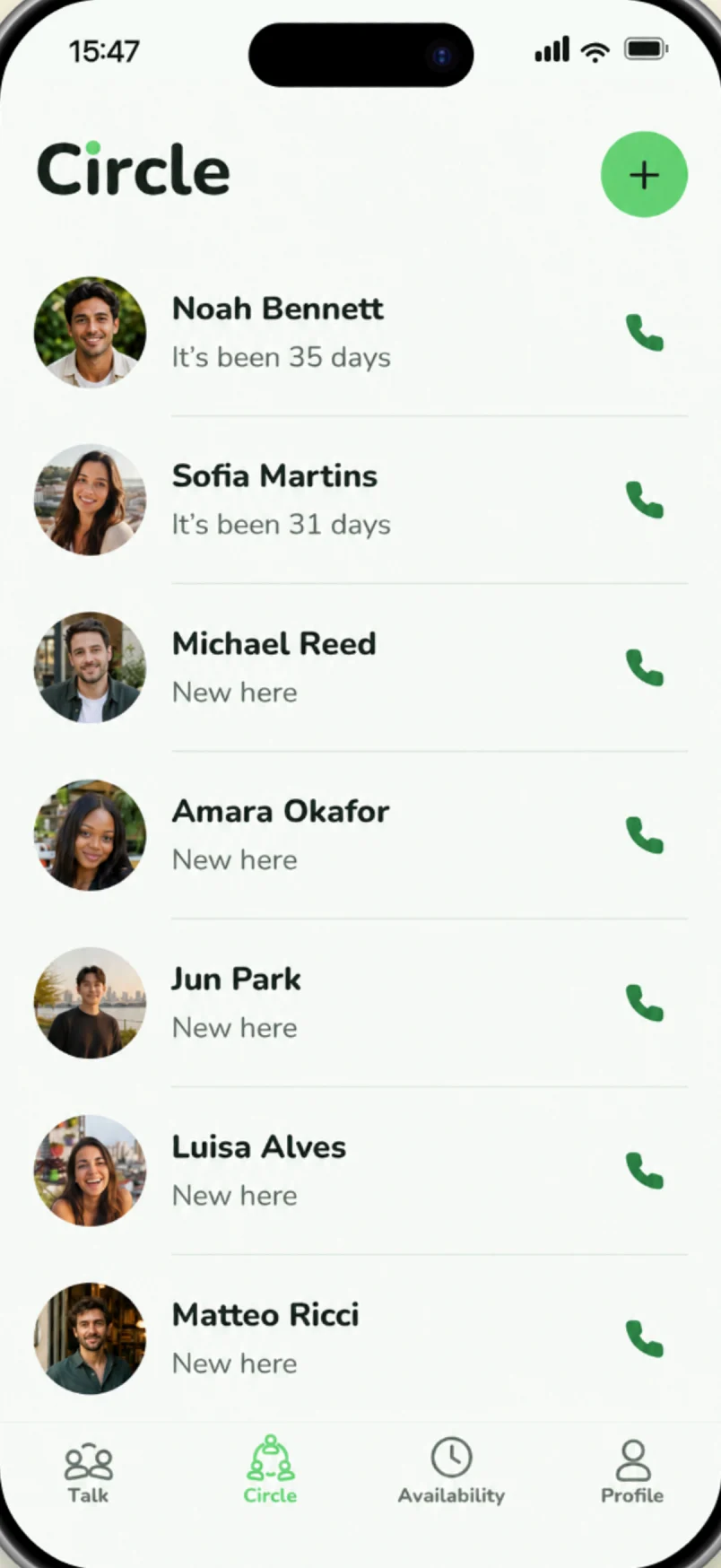 Choose your people.
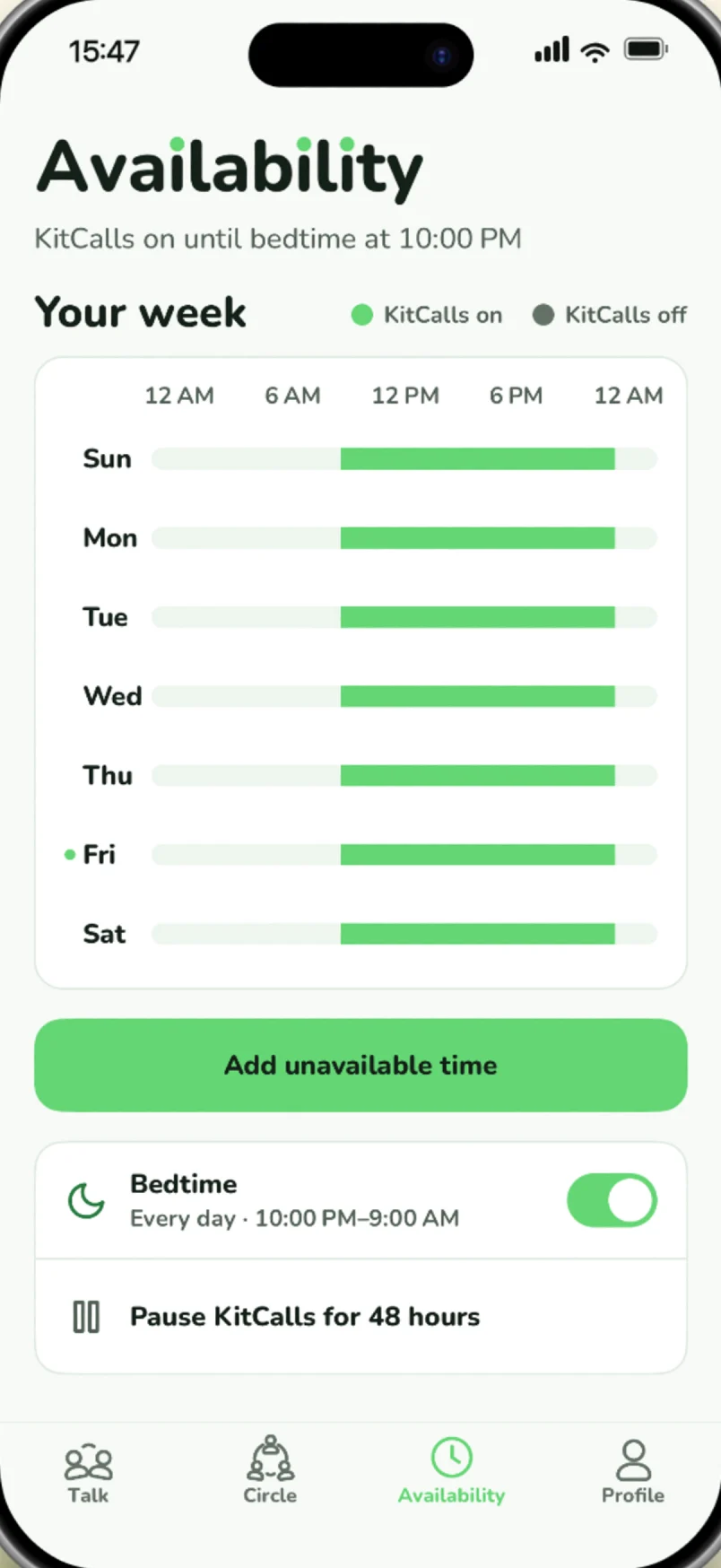 Say when you're free.
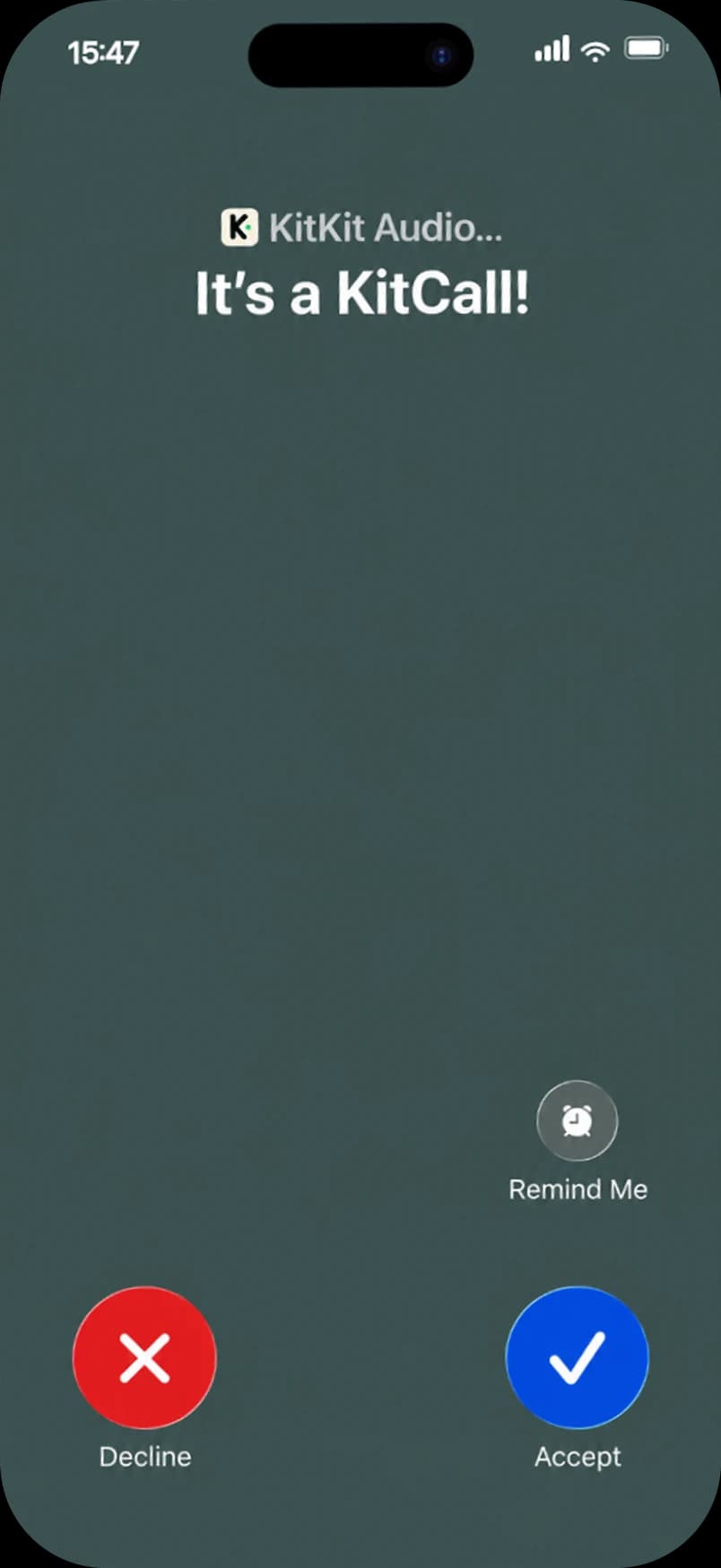 KitKit rings you both.
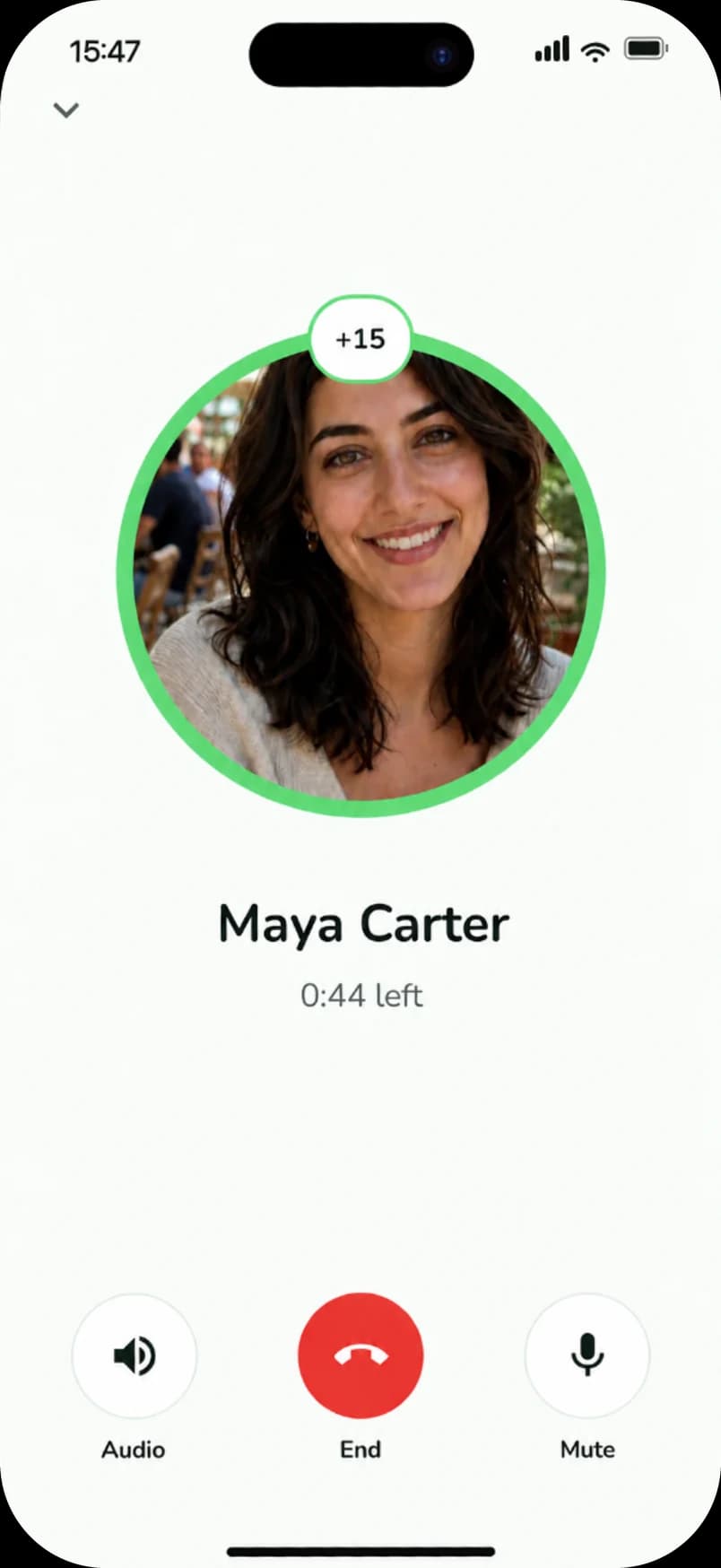 Talk for 45 seconds.